NOTE:
This chapter only configures the authentication server. In actual network usage scenarios, switches proxy the authentication of wired terminals; APs proxy the authentication of wireless terminals. It is necessary to configure the authentication functions of switches and APs respectively in the wired service configuration and wireless service configuration.
The current authentication server needs to be launched in the entity through background configuration first, and then bound to the venue under that entity.
Enter the entity, click on [Auth & Accounts] - [Copy entity ID] , and the entity ID will be copied onto the clipboard.
Enter the authentication server to modify the file:
Modify the nac_agent-related configuration in /opt/openwisp2/openwisp2/settings.py
'MGMT_INTERFACE': 'Ethernet0',
'FIRMWARE_VERSION': 'v1.0.0',
'ENTITY_ID': '3d8bdc44-e96a-4feb-8cf0-328a6a23b976' # ENTITY_ID The associated organization id needs to be obtained from the controller
'HOST': '192.168.0.91', # HOST Controller ip address
'HEARTBEAT_INTERVAL': 60,
'WEBSOCKET_CA_CERT': '/opt/openwisp2/nac_agent/certs/ca.crt'
Start the ucentral service
systemctl enable openwisp-nac-agent.service
systemctl start openwisp-nac-agent.service
Restart the authentication service
sudo supervisorctl restart openwisp2
After the configuration is completed, you can see that the authentication server is online in the specified organization.
After the authentication server is launched in the entity, all venues within the entity can be bound to this server.
Enter the venue and click on [Configuration] - [Auth & Accounts] .
Click on the connected authentication server and click [Save] to bind the server to the venue.
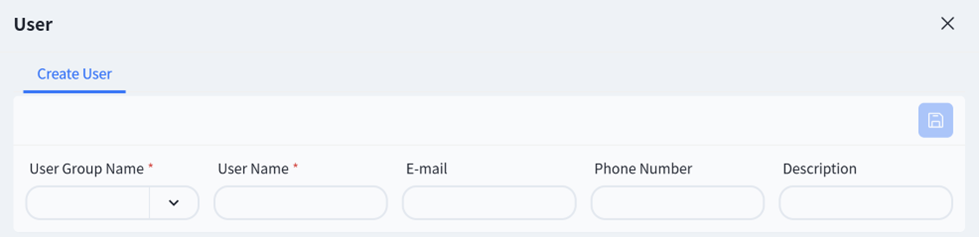
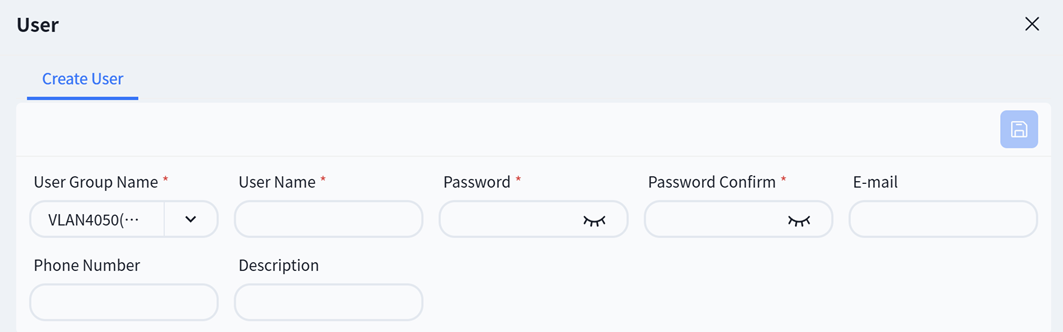
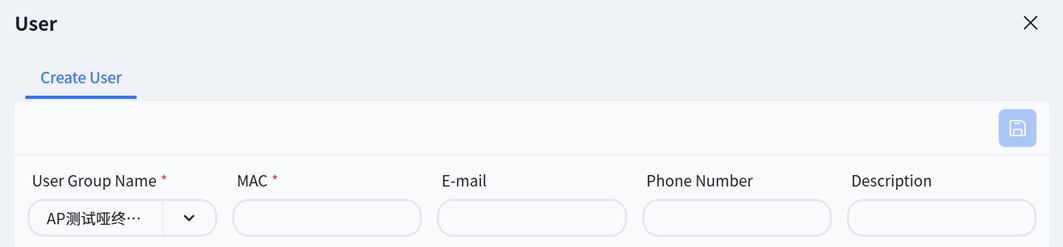
The authentication configuration needs to be carried out at the venue.
Name : The unique identifier of a user group, used for management and identification
Auth Type : The authentication methods that users in this group need to use when logging into the network. Users can choose between username-password authentication and MAC address authentication according to their needs.
Priority : When a user belongs to multiple groups or there are conflicting rules, determine which group’s permissions take effect. The larger the number, the higher the priority.
Max Number of Online Clients Per User : Limit the number of devices that each user account in this group can connect to the network simultaneously.
Account Expiration Timestamp : Set the overall validity period for the entire user group, which will automatically expire after the period ends.
Group Permission – ACL Table Name : Bind an Access Control List (ACL). An ACL is a pre-configured set of network access rules (such as allowing/denying access to a certain server or network segment).
Group Permission – VLAN ID : Specify which VLAN the group of users will be assigned to after successful authentication.
Password Cycle : Set the validity period of the user password. During the password retention period, authentication is automatically completed through device MAC authentication, and the user does not need to re-enter the password. The password needs to be re-entered after expiration.
**OAuth E-mail Domain: **The email suffix bound to this group during OAuth login, for example: @asterfusion.com
**Description: **Group description information